Hi,
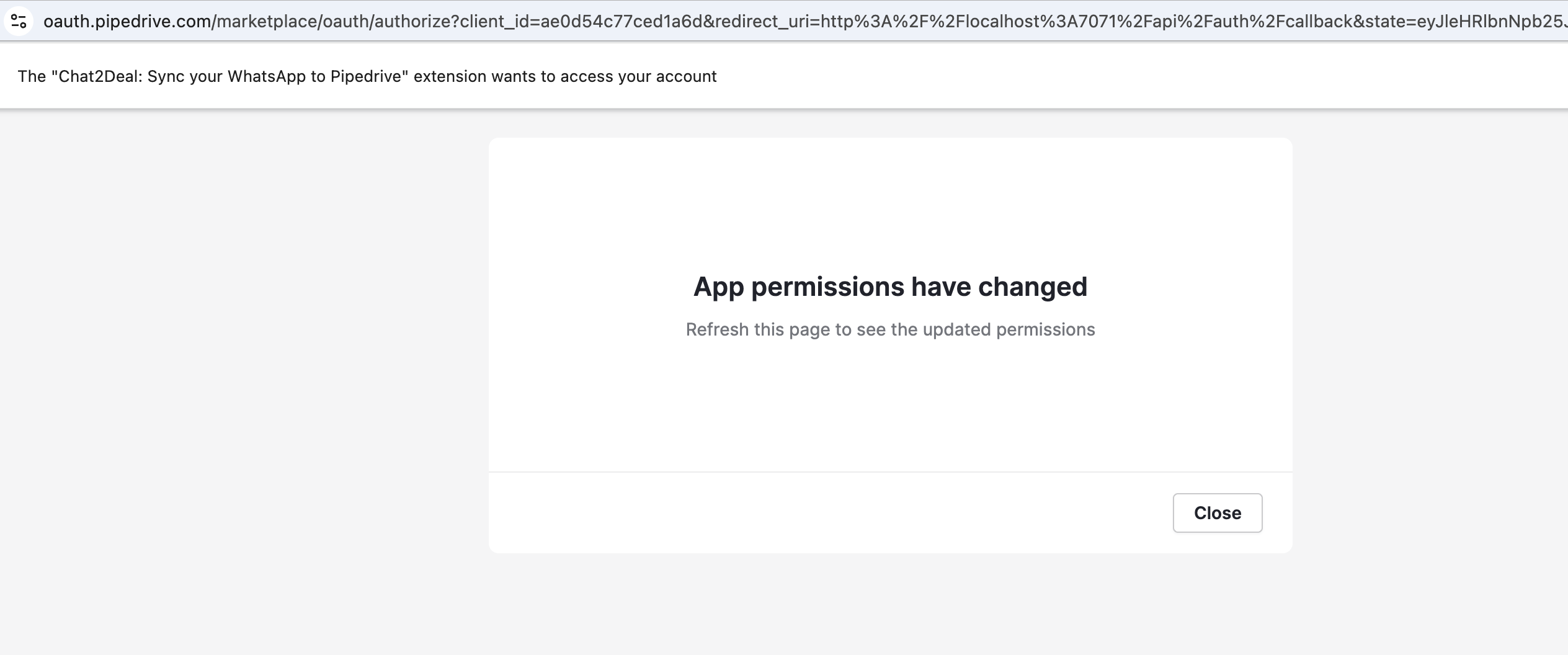
I’m developing a Chrome extension that integrates with Pipedrive using OAuth 2.0. The authorization flow was working correctly until recently. But now, when a user attempts to authorize the app and accepts the required permissions, they’re shown a modal saying:
“App permissions have changed. Refresh this page to see the updated permissions.”
The authorization flow never completes - no redirect occurs. The page stays on oauth.pipedrive.com/marketplace/oauth/authorize and clicking “Close” doesn’t do anything.
Authorization URL format:
https://oauth.pipedrive.com/marketplace/oauth/authorize
  ?client_id=<my_client_id>
  &redirect_uri=http://localhost:7071/api/auth/callback
  &response_type=code
  &scope=contacts:full
  &state=<my_state_object>
Context:
- App type: Public/Draft
- Scope: contacts:full
- No changes made to app configuration in Developer Marketplace
- Was working previously without issues
I’m completely confused with this error and I can’t comprehend what I’m doing wrong. Has something changed recently with how OAuth scopes or app permissions are validated? Thanks for any help.